Adding Users
Step 1: Sign in to the Admin Console
-
Open the URL where PanDev Metrics is hosted.

-
Enter your administrator login and password, then click
Log in.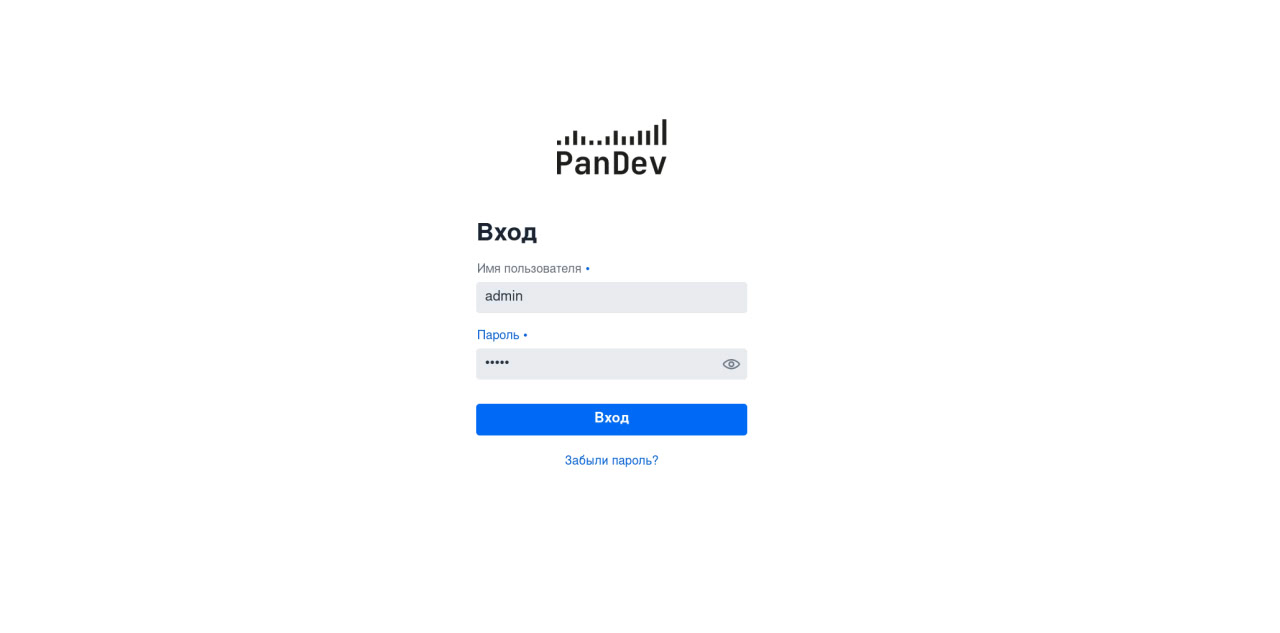
Step 2: Create a User Account
-
After signing in you will land on the admin dashboard.
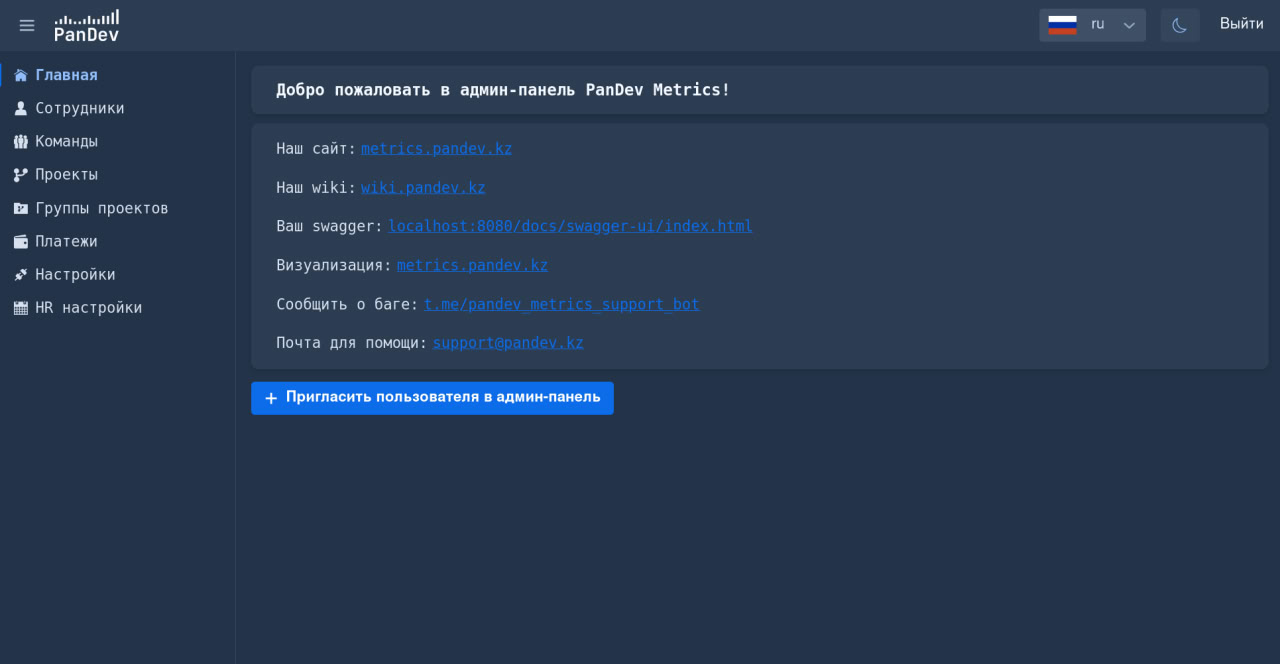
-
Click
Employeesto open the user management section.
-
Press
Createto open the new user form.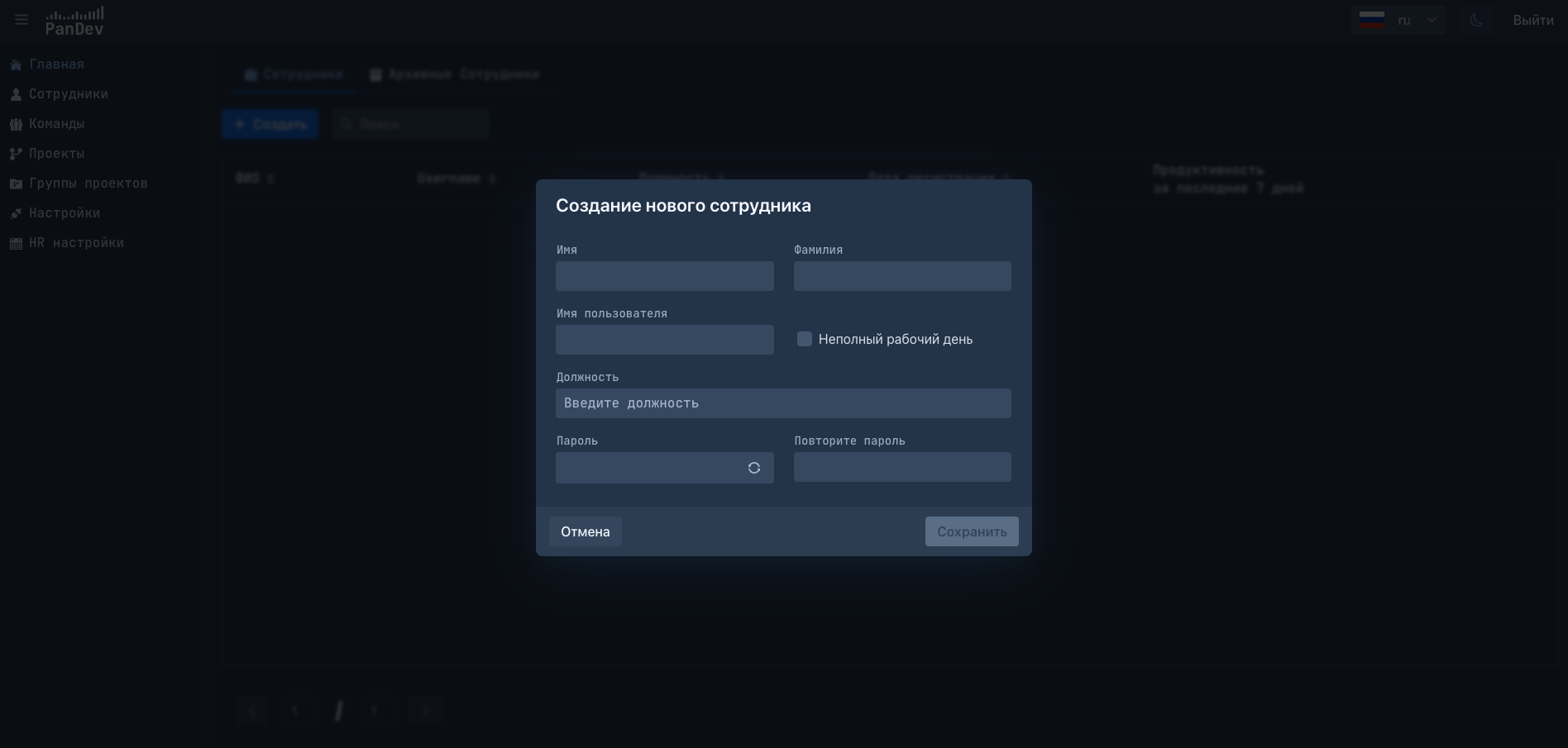
-
Fill in the required fields and click
Save.
After the Account Is Created
-
Share the login details with the new team member.
The employee can now authenticate through the plugin using their own credentials.