LDAP/AD Integration
Step 1: Sign in to the Admin Console
-
Open the URL where PanDev Metrics is deployed.
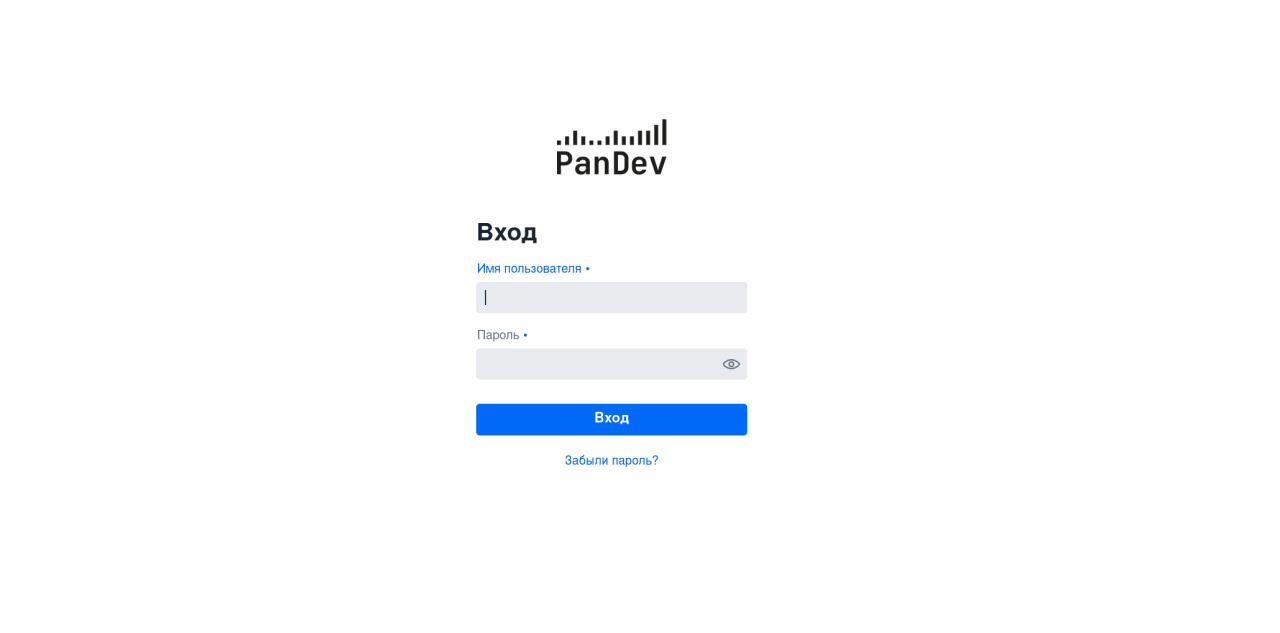
-
Enter your administrator credentials and click
Log in.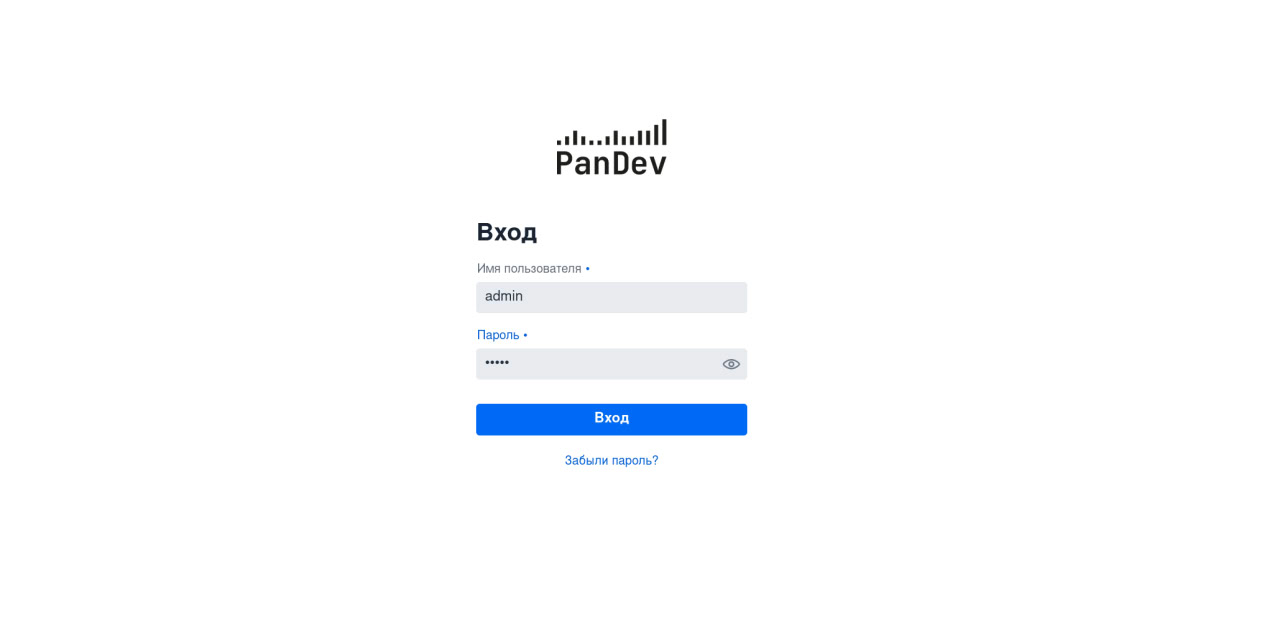
Step 2: Connect LDAP/AD to PanDev Metrics
-
After authentication you will see the admin home screen.
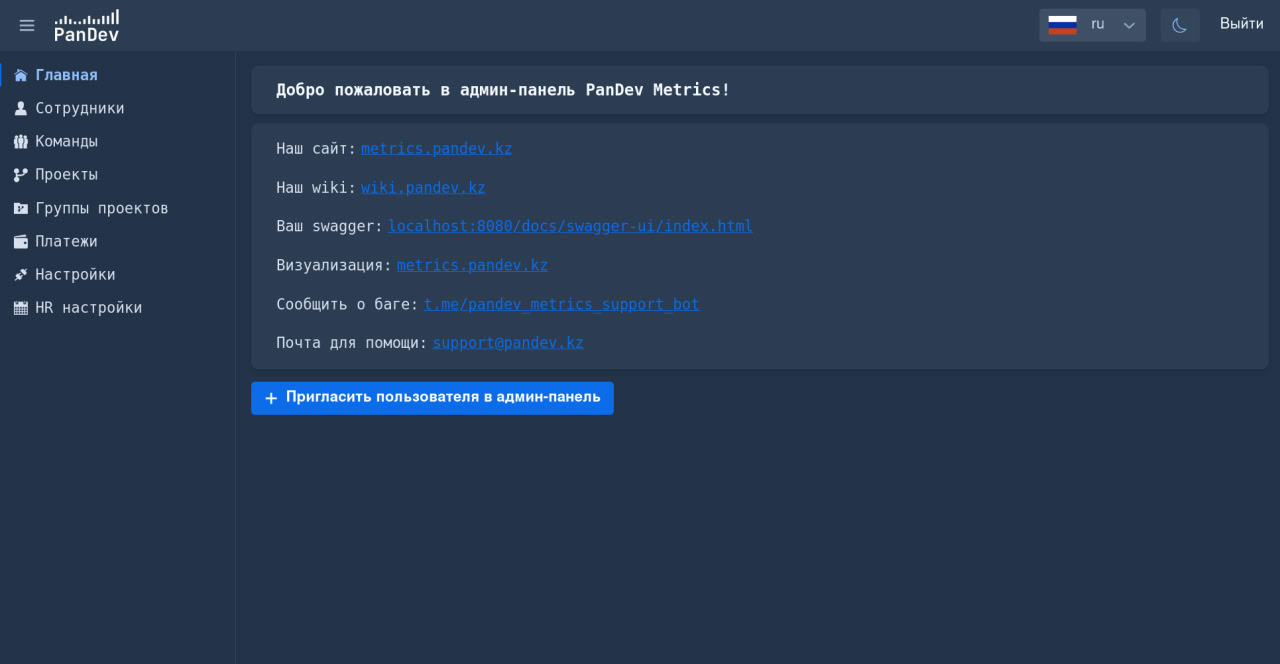
-
Click
Settingsto open the application configuration.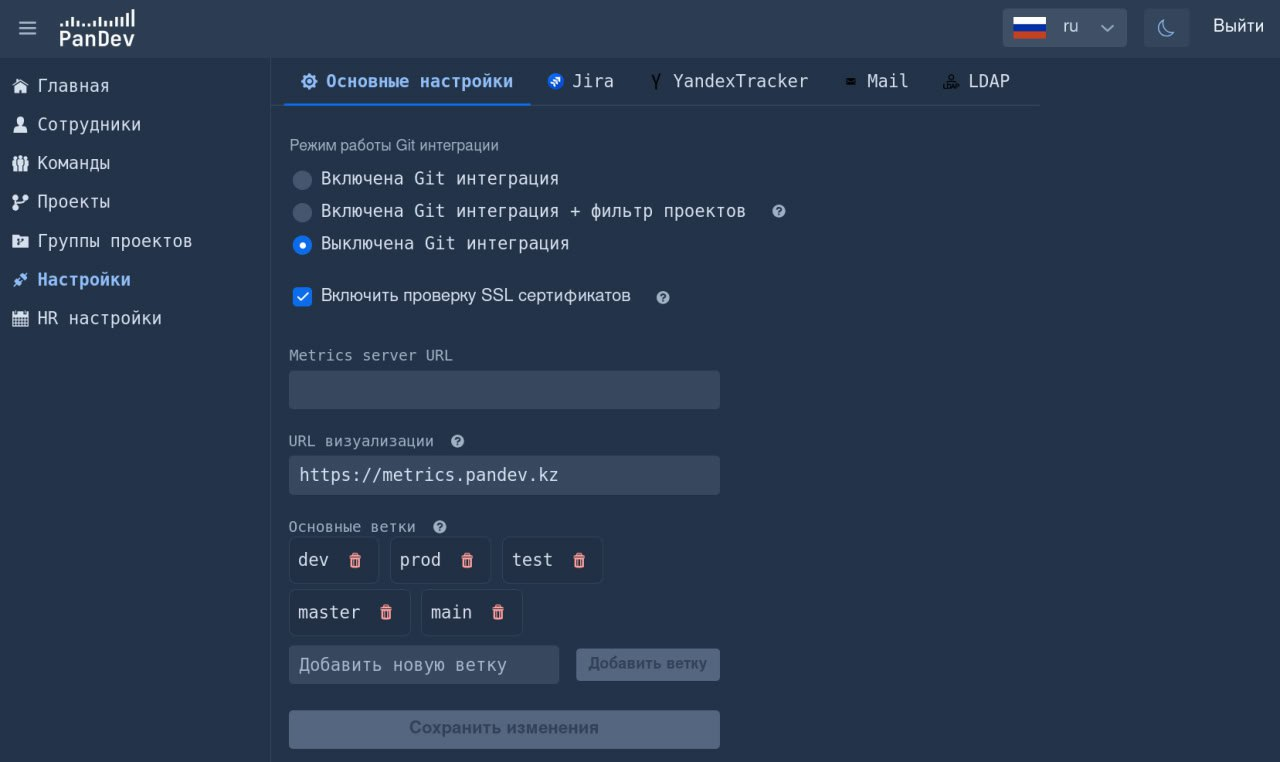
-
Switch to the
LDAPtab.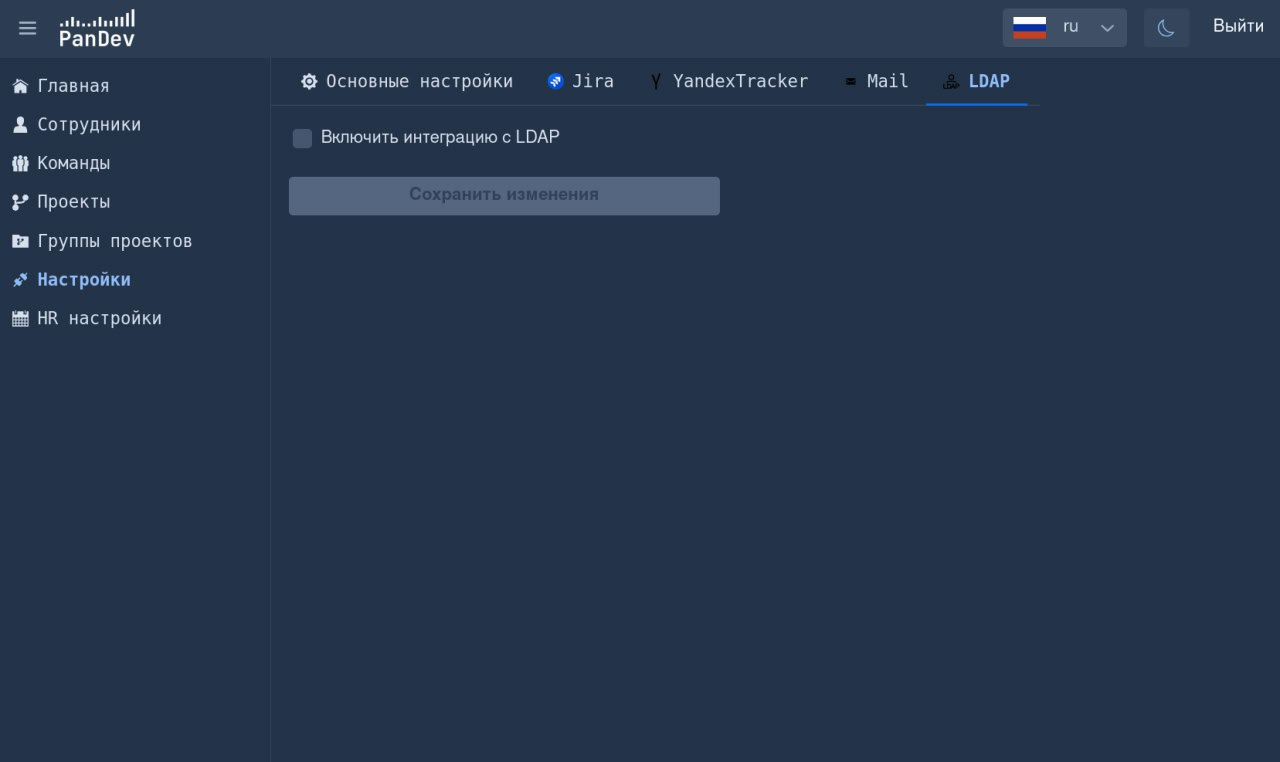
-
Click
Enable LDAP integration.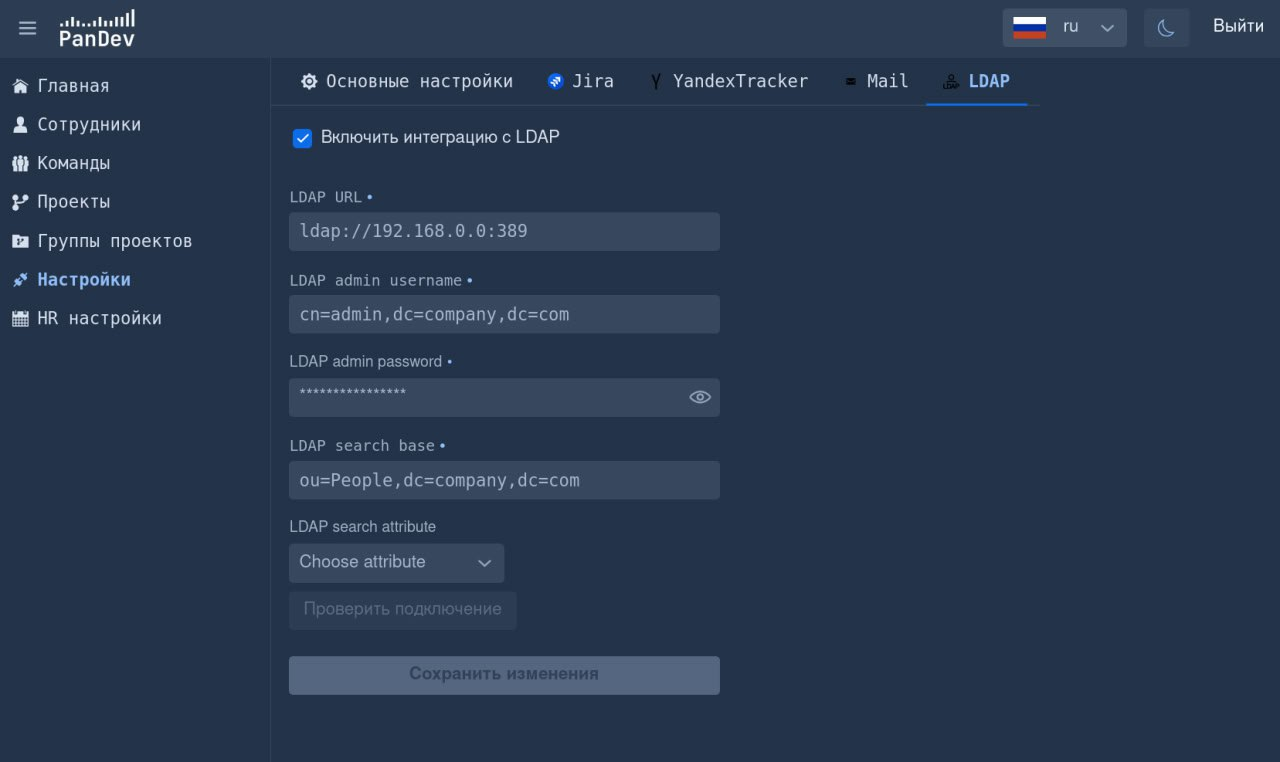
-
Complete the required fields with your directory settings.
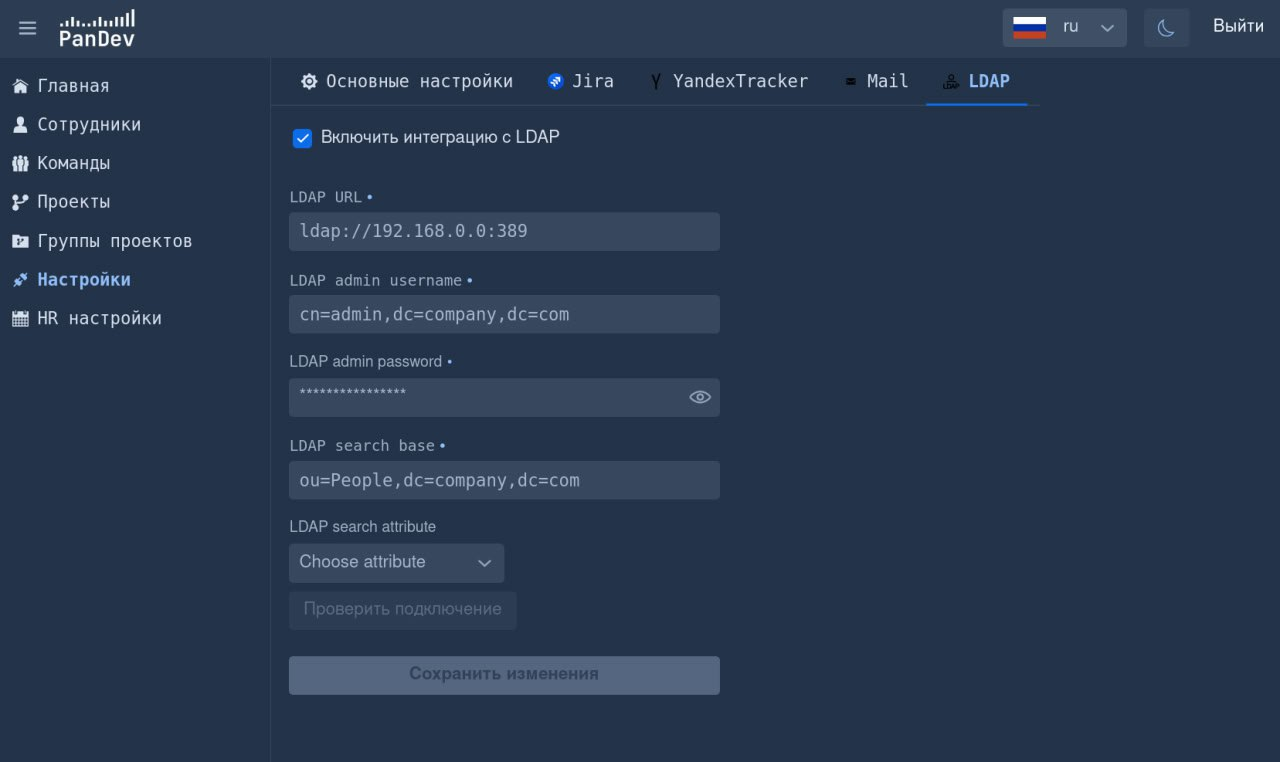
-
Save the configuration by clicking
Save changes.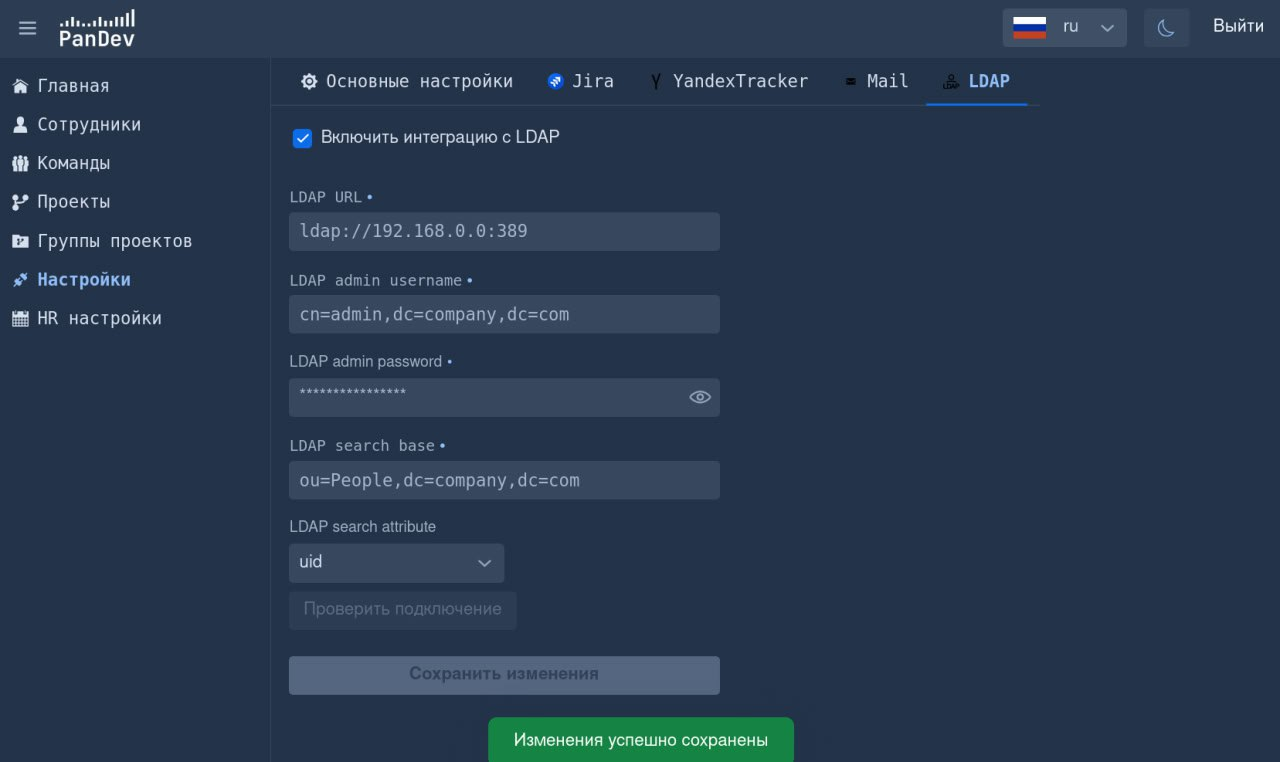
LDAP/AD integration is now live!
Your employees can sign in to the plugins using their corporate accounts.